
JavaScript Arrays 101
What arrays are and why we need them?
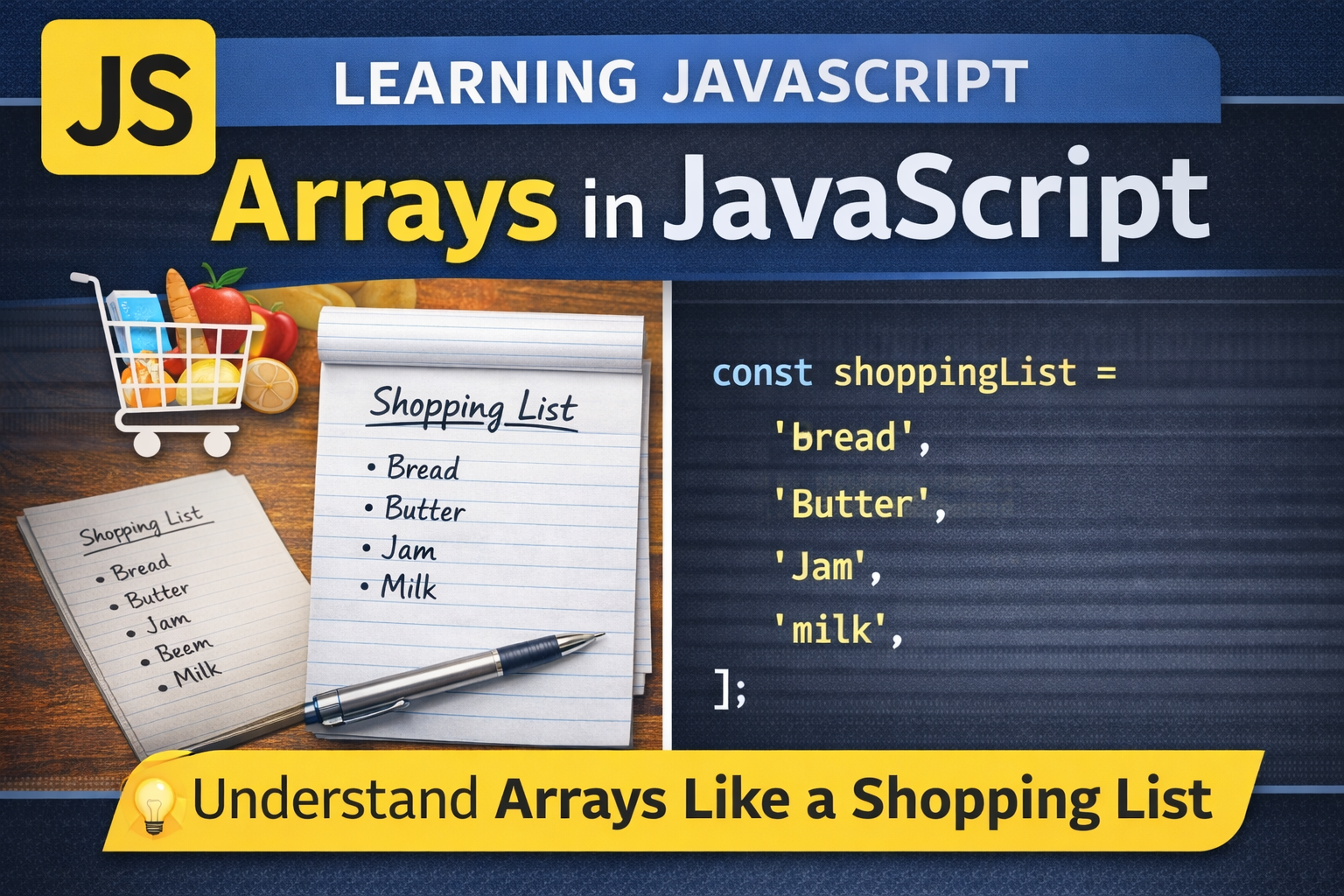
Array is a JavaScript object that allows storing a collection of items under a single variable name. Think of arrays like a shopping list.
Example - Shopping List
When I need to go the shopping mall, I need to create a list of items I need to purchase. I write all the items together in a list, one after another. This list is created using arrays in Javascrpt.
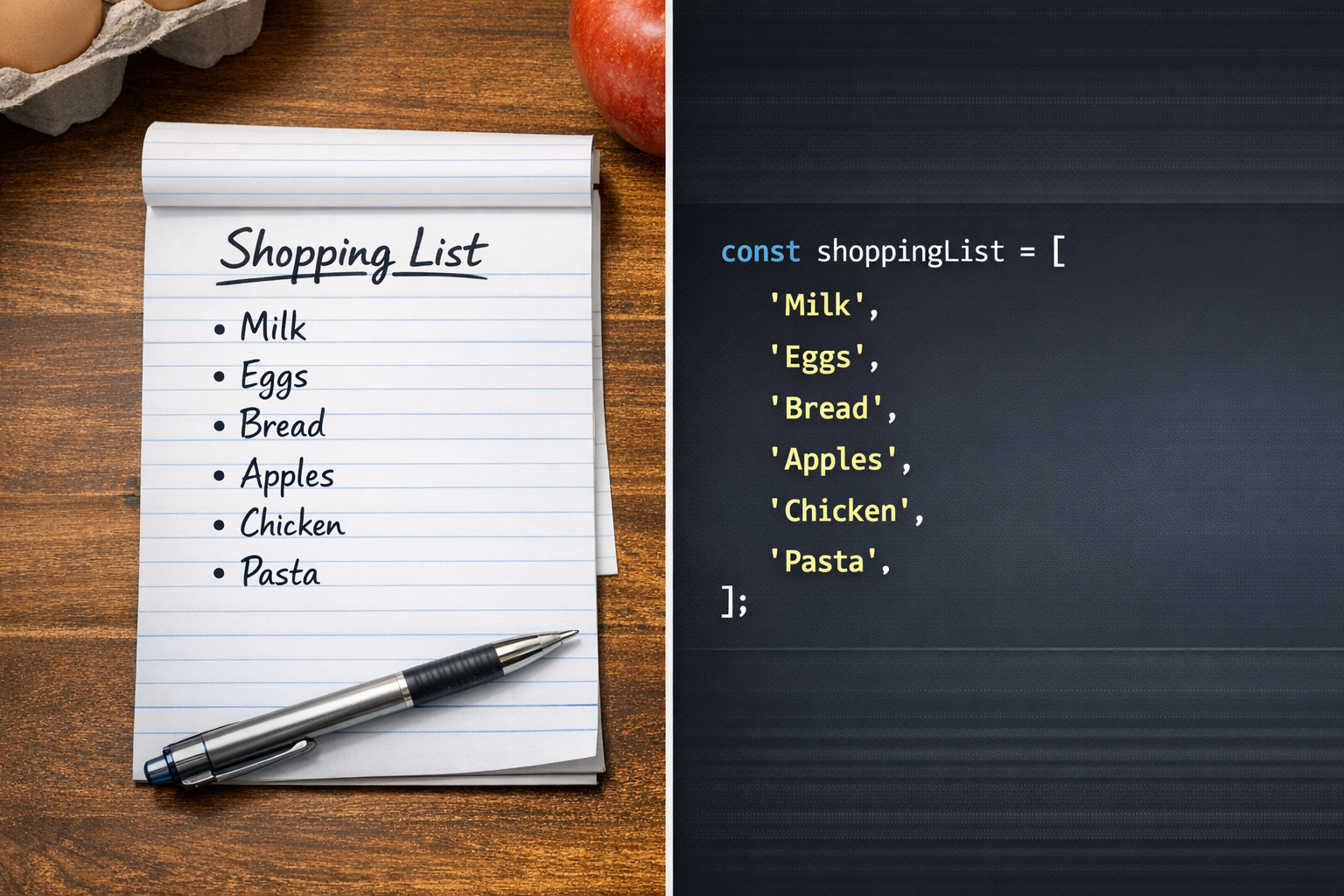
Arrays are used to store any list of items like todo list, all users, shopping cart items etc.
Creating an array
There are two ways to create and array:
- Array Literal : It is a shorter and easy way to create an array object which is mostly used.
const shoppingList = ['bread', 'butter'];
- Array Constructor : It does the same thing, but the syntax is different.
const shoppingList = new Array('bread', 'butter');
Accessing elements
Index of the array elements start from 0th position which means first element position is 0.
There are two ways to access elements of the array:
- Square bracket notation [] : It allows to access element through the index number.
const shoppingList = new Array('bread', 'butter', 'jam', 'milk');

//accessing the first element
console.log(shoppingList[0]); //bread
- Using (at) method : Array object comes with some predefined methods to use. One of them is at. It is special because it allows reverse indexing. To access the elements from the last, indexing starts from -1, -2, -3... upto the first element.
const shoppingList = new Array('bread', 'butter', 'jam', 'milk');

//accessing the first element
console.log(shoppingList.at(0)); //bread

//accessing the last element
console.log(shoppingList.at(-1)); //milk
Updating elements
To update the elements of the array, we just need to reassign a new value on the specific index.
const shoppingList = new Array('bread', 'butter', 'jam', 'milk');

//updating jam to cheese
//index of 'jam' = 2
shoppingList[2] = 'cheese';
Array length property
We can also check the number of elements inside the array list using length property.
const shoppingList = new Array('bread', 'butter', 'jam', 'milk');

const shoppingListItems = shoppingList.length;

console.log('Shopping List has ' + shoppingListItems + ' items.');
Basic looping over arrays
If I need to access each element from the array and do some task, then I can use loop which makes this thing easier for us to do.
Example -> I want to check if milk is included in the shoppingList or not.
let isMilkInList = false;

const shoppingList = new Array('bread', 'butter', 'jam', 'milk');

//iterating array using for loop
for(let i = 0; i < shoppingList.length; i++){
    if(shoppingList[i] === 'milk'){
        isMilkInList = true;
        break;
    }
}

//using ternary operator to give the specific message.
console.log(isMilkInList ? 'Milk already exists.' : 'Milk not found!!');


