Flowcharts
Shapes in Flowcharts
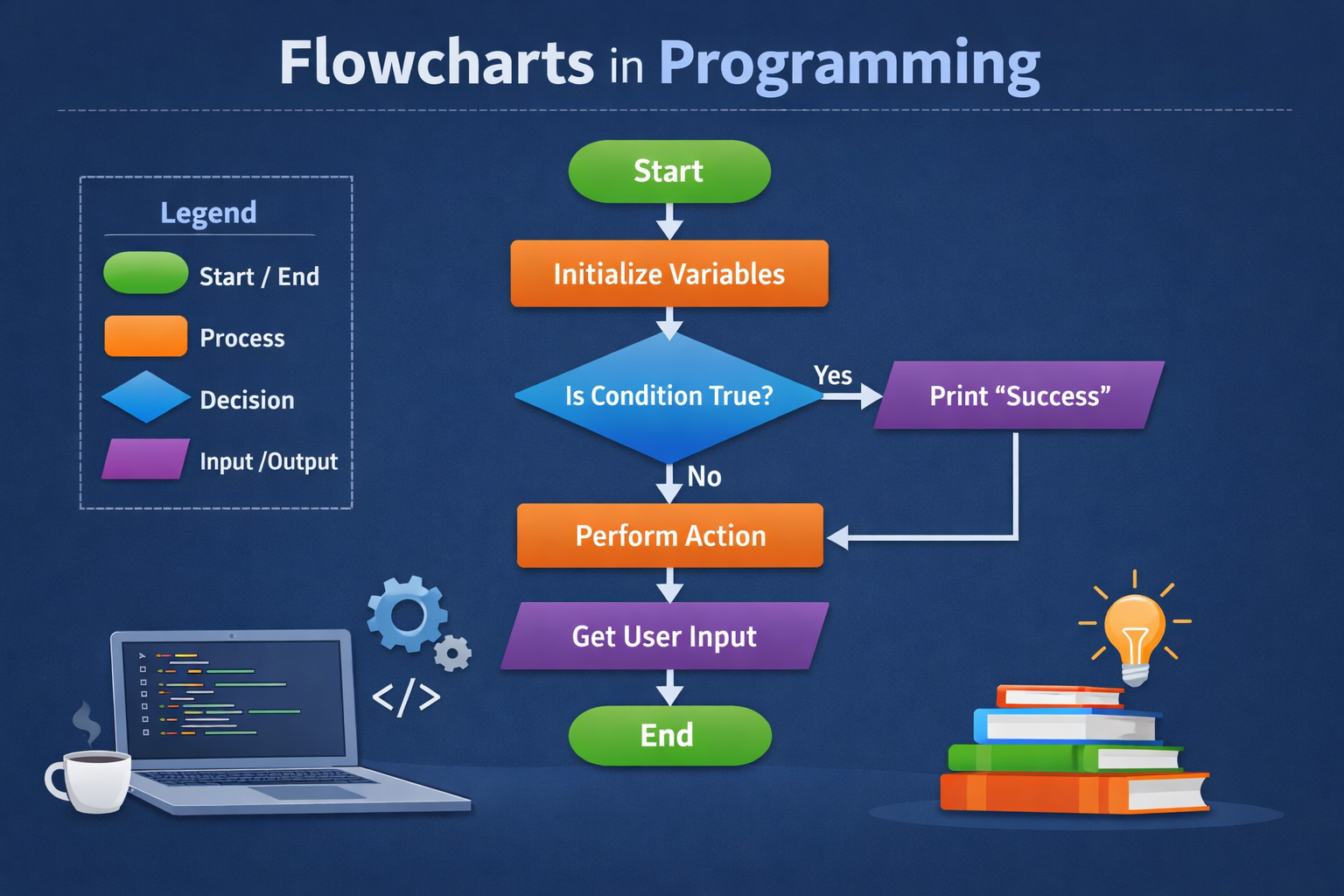
Oval

It is used for the beginning and end of the program.
Rectangle
It is used to show the process or some calculation.

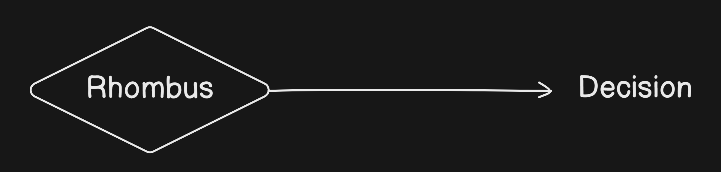
Rhombus/Diamond
It is used to show the condition like in the conditionals.
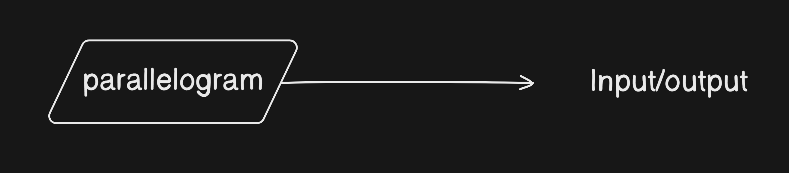
Parallelogram
It is used to get the input and showing output.
Circle
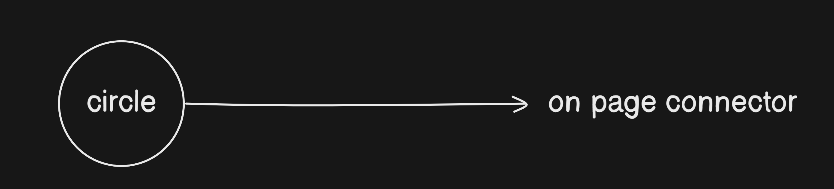
It is used as the on page connector which means if the flowchart ends vertically or horizontally then it can end with the circle and start with a circle just like we used to do when we write paragraphs on the notebooks.
                                                    This is an example sho-
-ing onpage connector.